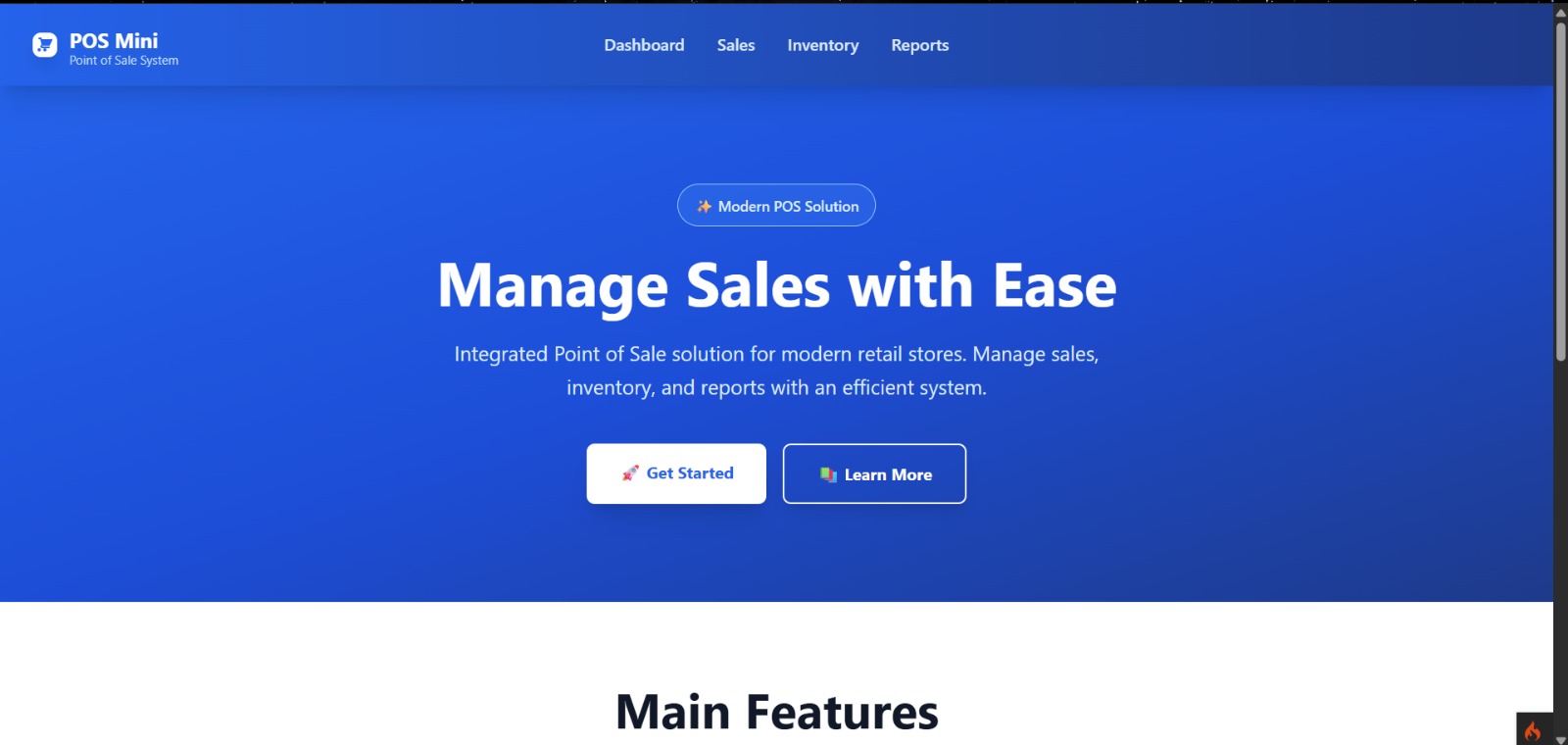
About This Project
Point of Sale (POS) and Inventory Management System is a web-based application designed to manage product sales, inventory, and transactions efficiently for retail businesses. The system supports admin and cashier roles, enabling smooth daily operations, accurate stock control, and clear sales reporting.
This application helps store owners monitor sales performance, manage products and suppliers, and provide a fast and reliable checkout experience for customers.
Key Features :
- Role-based authentication (Admin & Cashier)
- Real-time sales dashboard and analytics
- Product, category, and supplier management
- Inventory and stock control
- POS (cashier) transaction system
- Multiple payment methods support
- Sales reports and transaction history
- Receipt printing
Usage Flow Cashier :
- Log in using a cashier account
- Access the POS interface with product list, search, and category filters
- Add products to cart manually or via barcode scanning
- Adjust quantities or remove items from the cart
- Process payments using cash, card, or e-wallet
- Automatically calculate totals and change
- Print receipts or start a new transaction
- View today’s transaction history and shift sales summary
Usage Flow Admin :
- Log in to the admin panel
- View dashboard with daily sales statistics, revenue, and charts
- Manage product categories (add, edit, delete)
- Manage products including pricing, images, and stock updates
- Manage supplier data for inventory tracking
- View, filter, and export sales reports
- Monitor transaction history by date or cashier
Installation Instructions
1. Download Project
Download project by click the download button
2. Install PHP dependencies
composer install
3. Install Node dependencies
npm install
4. Configure environment
cp env .env
Edit .env
      CI_ENVIRONMENT = development

      database.default.hostname = localhost
      database.default.database = pos_mini
      database.default.username = postgres
      database.default.password = your_password
      database.default.DBDriver = Postgre
      database.default.port = 5432
5. Create database
psql -U postgres -c "CREATE DATABASE pos_mini;"
6. Run migrations
php spark migrate
7. Run seeders
php spark db:seed DatabaseSeeder
8. Build Tailwind CSS
npm run build
9. Start development server
php spark serve
10. Access the application
http://localhost:8080
11. Default Users
Role Admin :
Email : admin@gmail.com
Password : password
Role User :
Email : user@gmail.com
Password : password