React is one of the most popular frontend javascript libraries today. It is being used by many large corporations like Netflix, Codecademy, Airbnb and a ton of others, which means there is a sizable job market for those who have knowledge of the skill.
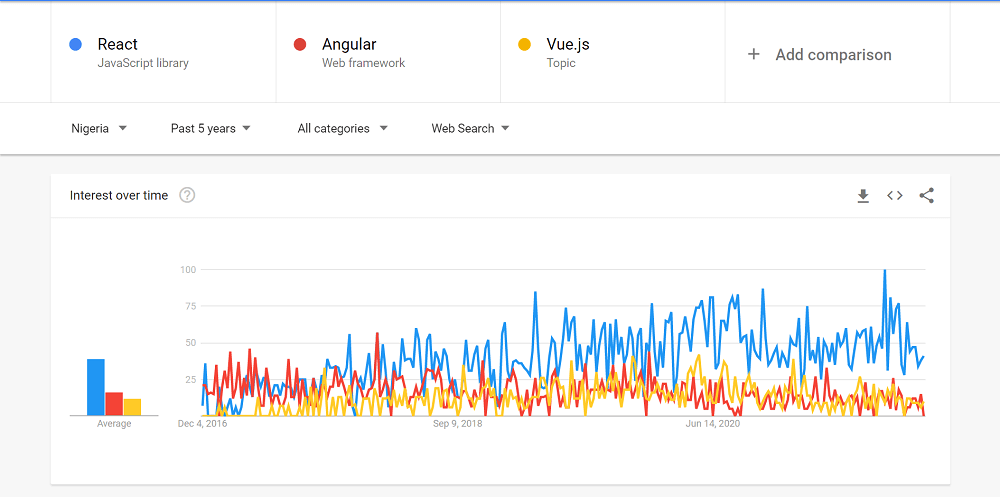
React is an Open source project started by the world class engineers at facebook and has become widely adopted due its ease of use and it’s quick learning curve, of recent it has gained much popularity compared to other JavaScript based frameworks, below is the google trends showing its progression from 5years ago till date
 |
So being able to build with React is a great asset to have in your skillset.:Let’s jump into getting started with react.
Getting started with React:
Prerequisites
Basic Knowledge of JavaScript.
A code editor like VSCode or whatever you’re comfortable with.
Stable Internet connection
I’m going to assume you already have node installed on your system if you have previously played with JS, if not head over to the node site and get a stable version for your machine.
The next thing we’re going to do is create our first react app. For react there is no need to go look for a “.exe” or some installation package, all we need to do is the following:
Step 1: Open up VScode
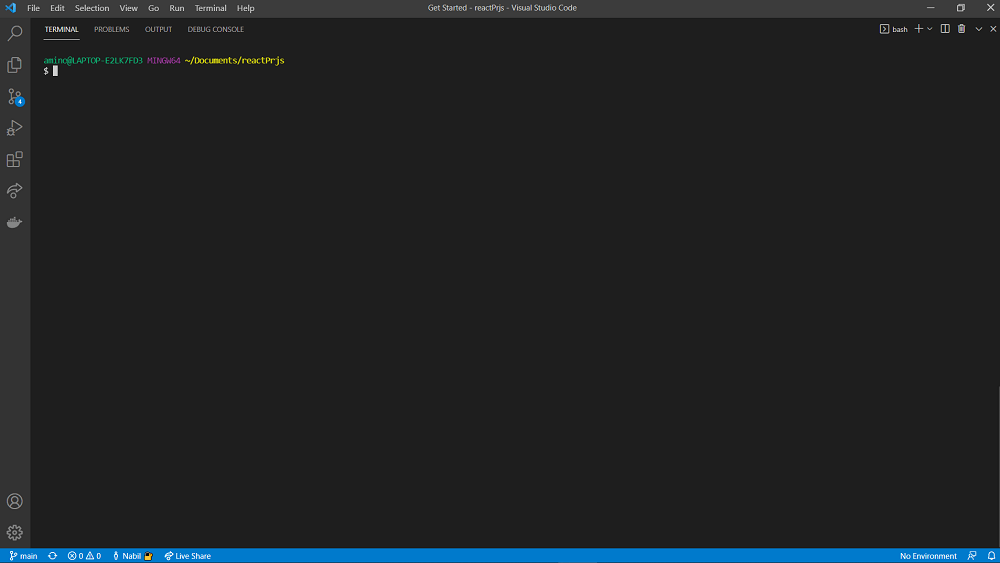
Step 2: Open the terminal in vscode
 |
Step 3: Enter this command to install the Yarn package manager: npm install --global yarn
Step 4: After the installation of yarn Type this command in the terminal: “npx create-react-app my-first-react-app” and hit enter. You should get something like this when done:
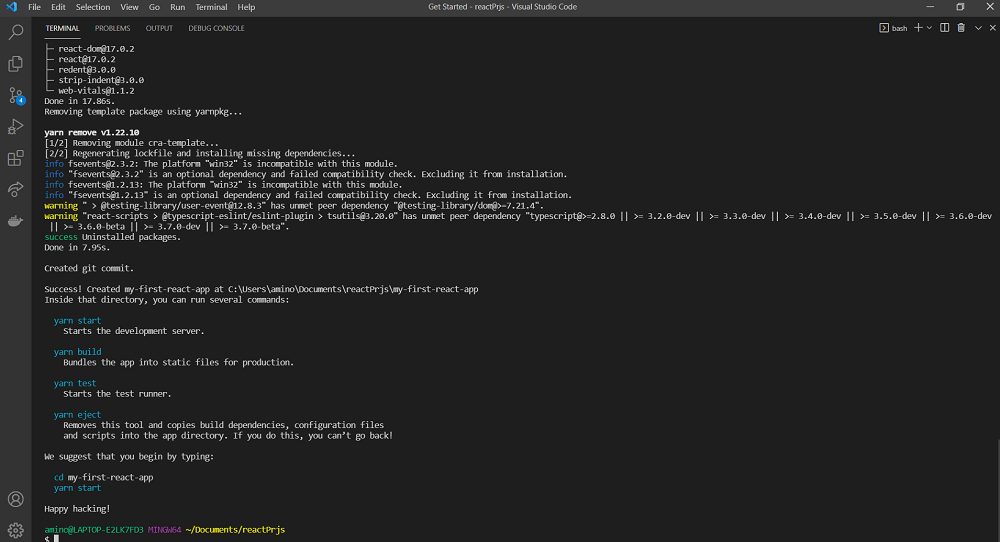 |
Running this command will create your react project regardless of if this is your first time or not
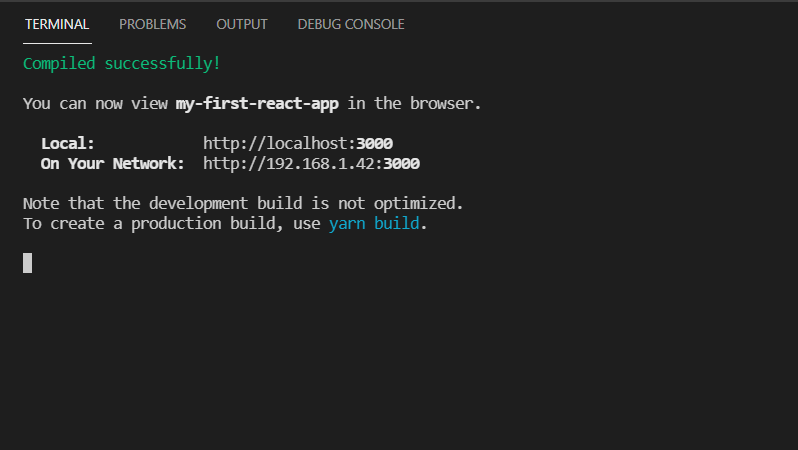
Step 5: Next, we cd into our project “ cd my-first-react app” click enter, then type “yarn start” and we get this:
 |
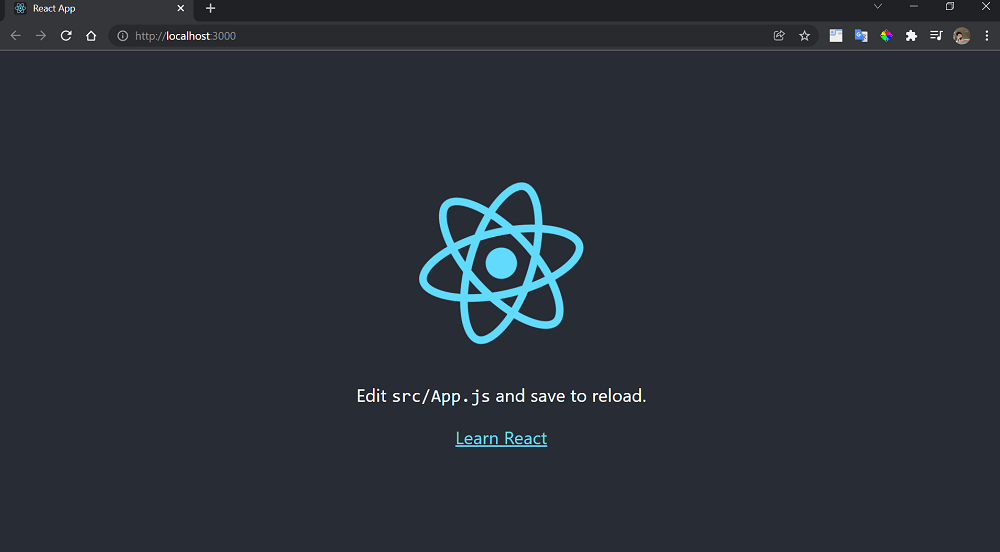
A browser window should pop open and we have this:
 |
And with that you’ve created your first react app, next time we will be talking about react components and more.