How to install Android studio (Preview builds)
In this section we will see how to download and setup android studio to develop Android mobile applications. Android studio is a completely free platform and anyone can easily download and install it.
So now we'll do the necessary installation procedures.
Before installing I want to explain a word Integration Development (I.D.) is a software application that combines all of the features and tools needed by a software developer.
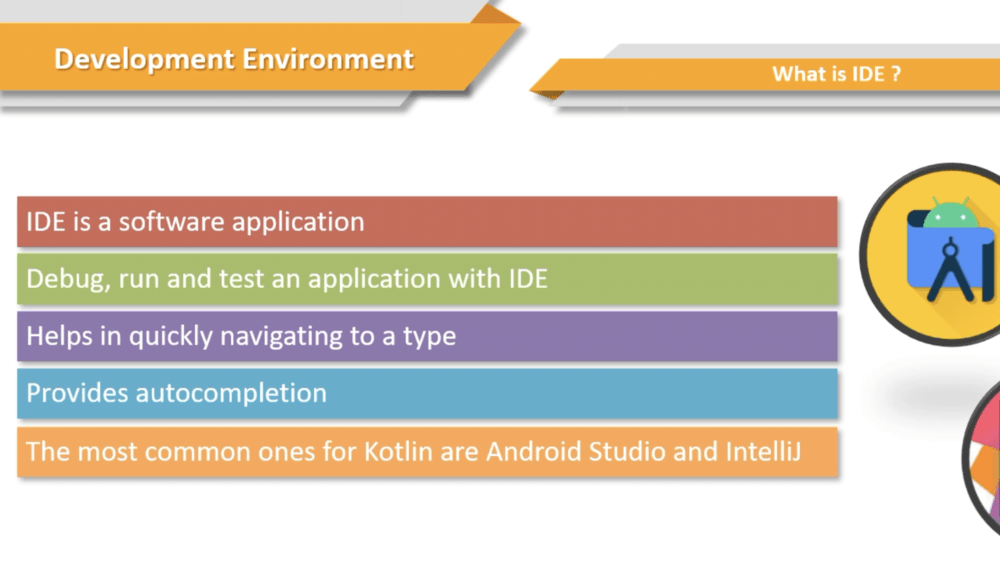 |
So by using this ID developer would be able to debug, run and test applications,
Lets download Android studio.
First navigate to Android studio official website, where we can get the latest developments and documents about android. Now tap on the download button, it will download the latest stable version of Android studio.
 |
Generally Android studio will provide 3 flavors. Production, Beta and Canary.
Now, before proceeding with the installation process, we will see system requirements.
 |
For instance, if your computer is four gigs RAM, you could increase it to eight gigs, relatively
simply and inexpensively.
 |
If your computer's operating system doesn't happen to be Windows 64 bit, well, you can click on the Download Options tab on the left.
So when you click on that tab, see the download things for 64 bit Mac, 64 bit Linux, 64 bit.
 |
So it's going to double click on this windows asks Do you allow this application to make changes to the computer? Yeah, that's quite a warning.
While the installation screen opens and here we click on next.
And once again, we press next, right, so the location where the files will be saved will be written
so he can change his location, or you can just keep it wherever it is by default.
 |
Now click on next button
 |
Now click on next button
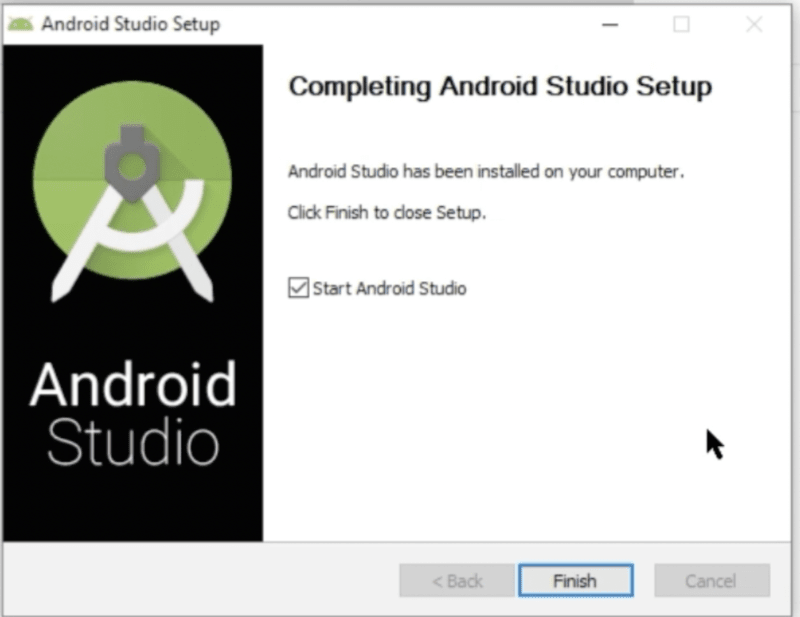 |
Now we are done with installation of the android studio