Flutter Text Shadow - How can i add Text Shadow?
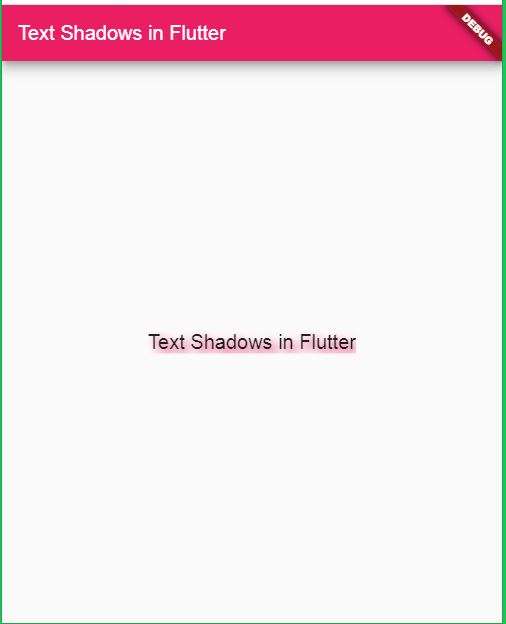
In this flutter example we are going to learn how to add Text shadow to the flutter widget. To set Text Shadow in flutter we will use the shadows property of the Text widget. Shadow is the Flutter shadow widget which can apply different shaodws to the widgets.
Let's start
Step 1: Create Flutter Application
Step 2:
Create textshadow.dart file and add below code
|
class TextShadow extends StatelessWidget { |
Step 3: Create TextStyle
Add below code to apply text style for Text widget
|
body: Center( |
Step 4: Creating a Text Shadow
|
body: Center( |
Step 5: Run Application
Multiple Shadows on a Single Widget
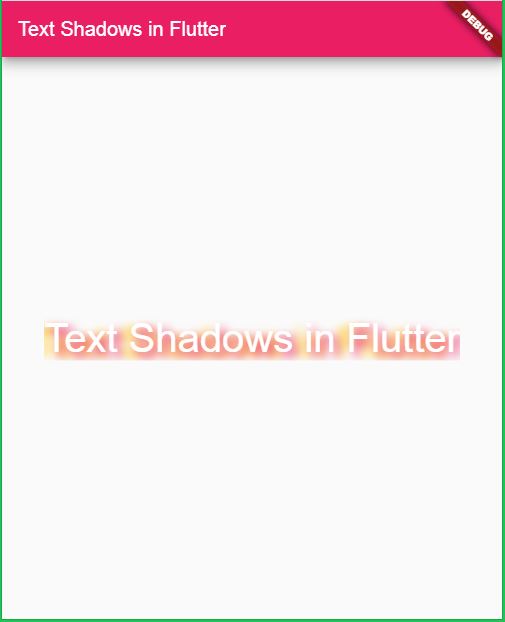
We can also perform multiple shadows on single widget
|
style: TextStyle( |
Then the output will come like below
Tags: Text Shadow, Flutter Shadow, How can i add Text shadow in flutter?